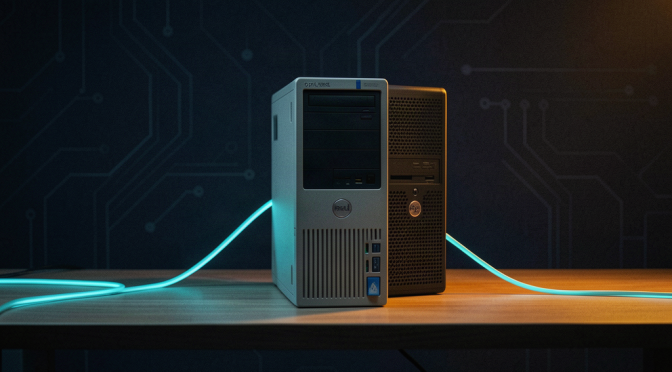
There’s a little Dell OptiPlex that’s been sitting in my house doing nothing for years. An old office mini-PC — the kind of thing companies throw away by the crate. This week I gave it a job: it’s going to be the machine that touches the stuff I don’t want touching anything else.
Here’s the idea. My main computers hold everything — emails, logins, projects, a whole life of credentials. The last thing they need is to be the place where I poke around the darker corners of the internet. So I’m building a “sentinel”: a separate, disposable box. It does the dirty work — scanning breach dumps, watching for my company’s data leaking somewhere it shouldn’t — and it reports back. It knows nothing about me. If it ever gets compromised, I wipe it and rebuild in ten minutes. Zero loss.
The hard part wasn’t the plan. It was getting an operating system onto the damn thing.
No USB stick, no monitor gymnastics: I wanted to install it over the network — PXE boot — from a container I already run on my NAS. The machine would ask the network “what should I boot?”, the NAS would answer, and Ubuntu would install itself.
That was the theory. The reality was a full afternoon of one wall after another.
First wall: my router hands out IP addresses but won’t do PXE — most consumer routers don’t expose that setting at all. So I built a tiny “proxy” that answers only the boot question, sitting next to the router without touching its config. An afternoon of reading dnsmasq source code later, it worked. (The kicker: the setting that makes it respond to PXE clients is undocumented in the man page — you have to read the C source to find it.)
Second wall: the NAS’s networking had been subtly broken by a system upgrade — UDP ports published to the LAN silently dead. That one cost real time because everything looked healthy from the inside.
Third wall: iPXE — the boot loader — kept looping on itself, downloading its own boot file forever. The fix was a one-line rule about DHCP options, but finding it meant tracing the actual packets across the network.
Eventually the menu appeared on the dusty old monitor. Ubuntu installed. The sentinel lives.
Tomorrow: one BIOS setting — make it boot from its own hard drive instead of the network — and then it starts earning its keep.
My AI did most of the digging. I pointed, it debugged, I held the screwdriver. That’s the workflow now: I bring the hardware, it brings the patience.