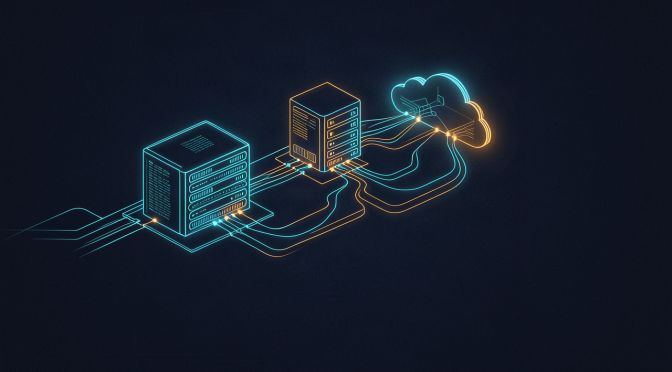
Everyone asks what I’m actually running, so here’s the honest wiring diagram, minus the boring parts.
The brain. The assistant runs on a framework called Hermes Agent, living on my main Windows 11 PC. It’s not a website and it’s not a box in the cloud. It’s an agent that sits on my desktop, connected to the platforms I already use: Telegram (my main chat), iMessage through a bridge, email, SMS, and Home Assistant.
The models. Heavy reasoning goes to cloud models. Anything cost-sensitive or private gets routed to local models running on my RTX 3090 via LM Studio. There’s a routing layer so the assistant picks the right model for the job instead of burning the expensive one on everything. The biggest surprise was how cheap this can be when you route properly.
The reach. This is the part commercial assistants can’t do. From the desktop it talks to my Synology NAS (media stack, backups) and my VPS in the cloud (websites, n8n, databases), all over SSH and Tailscale. It has Docker access on both hosts. It can deploy containers, restart services, check logs, run database queries. When something breaks at 2am, it’s already looking at the logs before I’m awake enough to ask.
The memory. I’ll do a whole post on this, but the short version is: every conversation, email and signal gets captured and organised into a knowledge graph I can search. The assistant remembers. That’s the feature I didn’t know I needed most.
The rules. We settled on a simple operating doctrine after a few early disasters: Python for scheduled jobs, PowerShell for Windows admin stuff, and never delete files without asking. The last one is non-negotiable. It’s the assistant’s equivalent of looking both ways before crossing.
That’s the skeleton. Tomorrow I’ll talk about the part that makes it feel like magic: the memory.